Team Tab
The Team tab provides access to team data. From the Team tab you can access team stats, visuals, and videos.

Click on the Team tab at the top of the page, and apply the filters on the left to narrow down teams by league, season, division, etc.

Link to Video
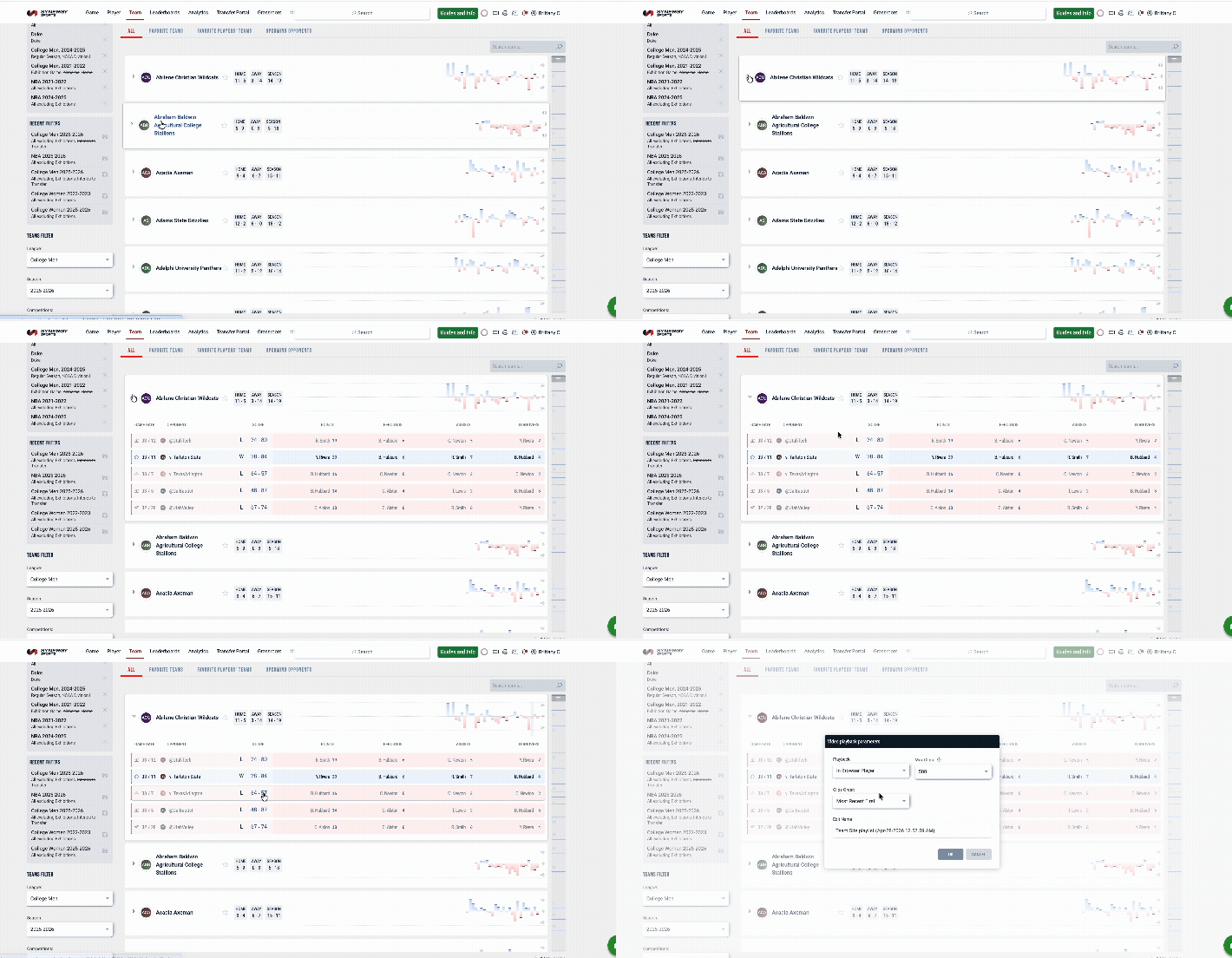
Clicking the arrow to the left of a team name will display the last five games for the team, including the final score and statistical leaders. Click any score or stat that is blue to pull up relevant video.
Link to Game Stats
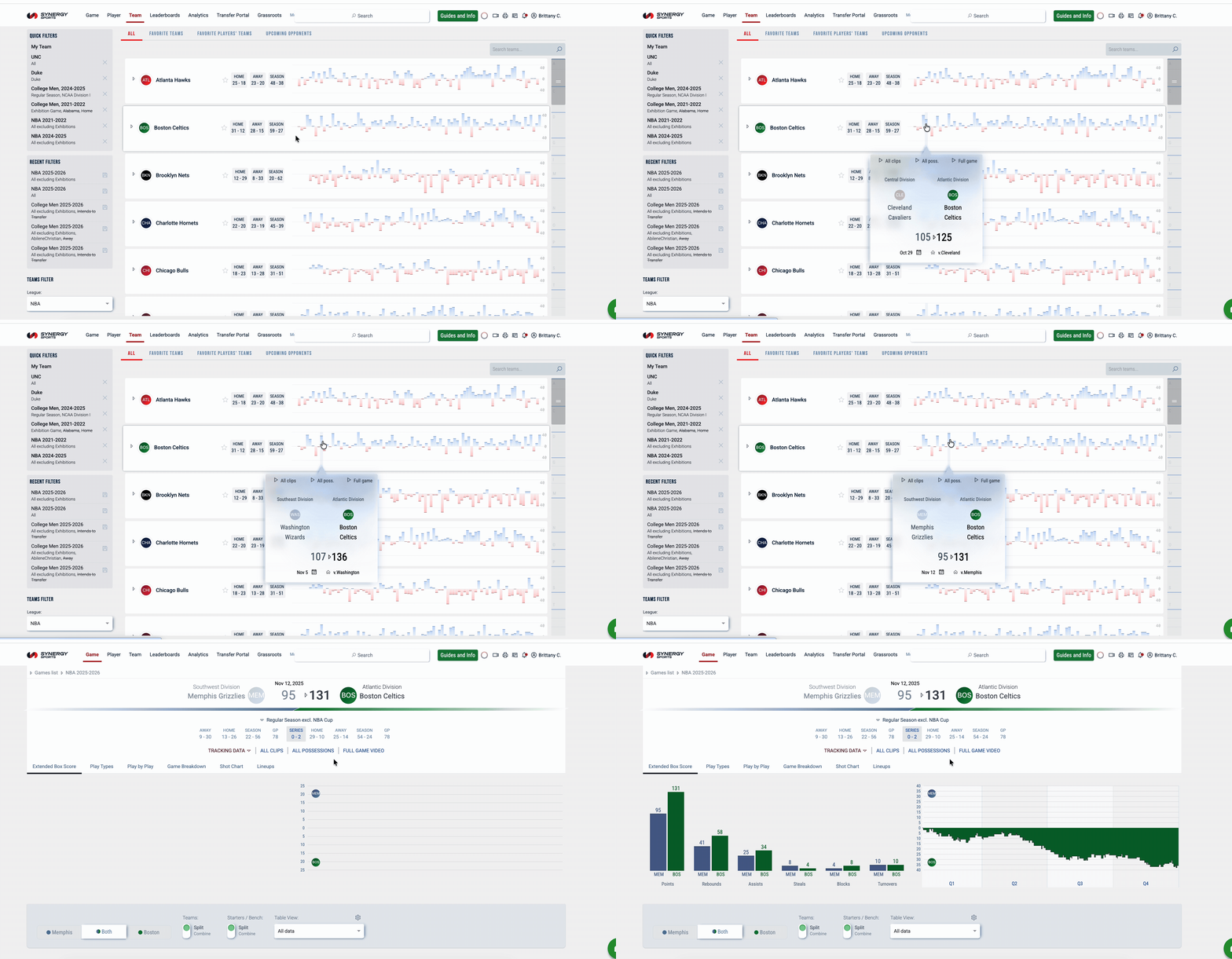
Use the buttons next to team names to view Home, Away, Season games. Clicking one of these buttons will open your selection in the Games tab. From the Games tab, you can select a specific game to see Game Stats.

You can also use the Game Flow Chart to link to Game Stats. Hover over the Game Flow Chart on the right to quickly scan games, and then click to open the Game Stats page for a specific game.
Link to Team Stats
Click on a team name to open the Team Stats page.
