The Mobile Practice retrieval experience closely follows the existing Game retrieval workflow. All completed practices can be reviewed directly in the Mobile app.
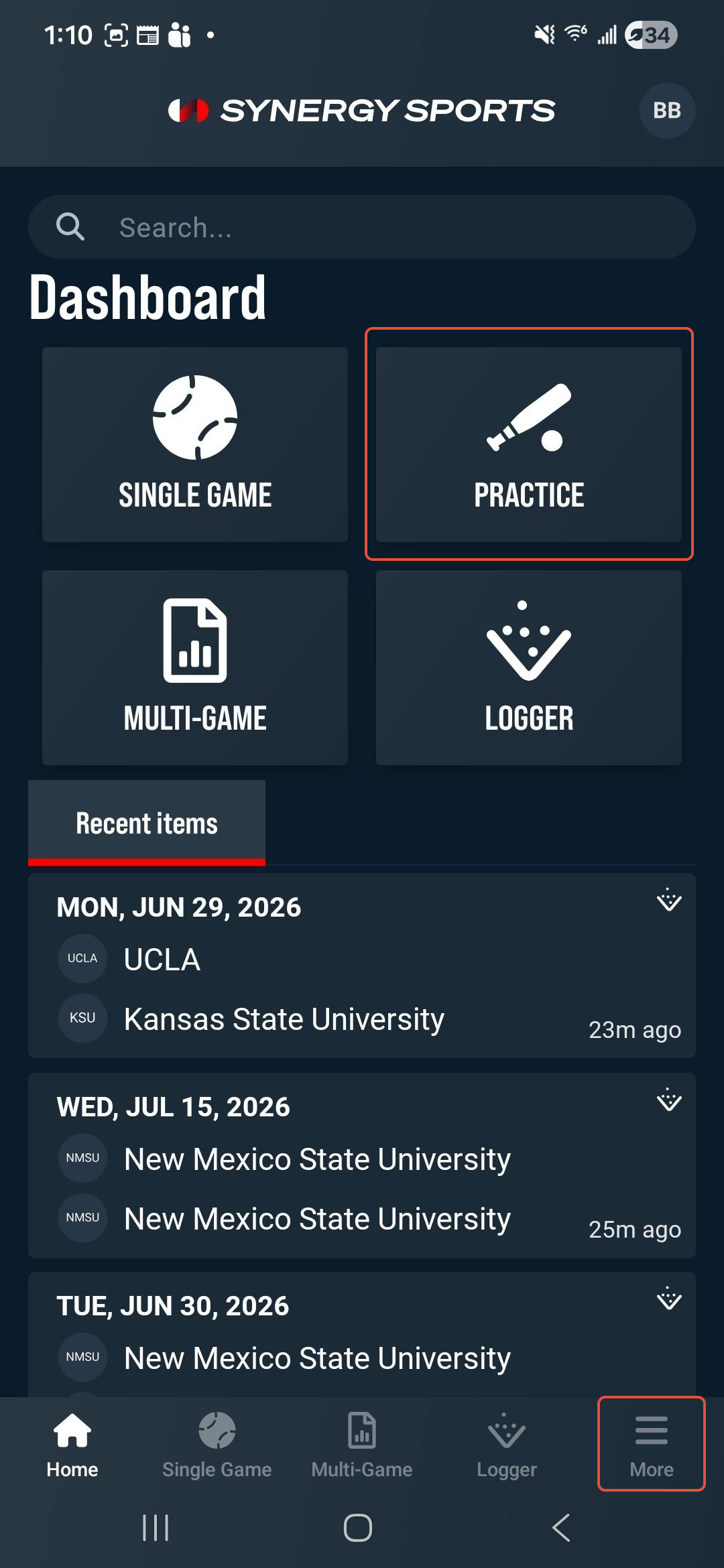
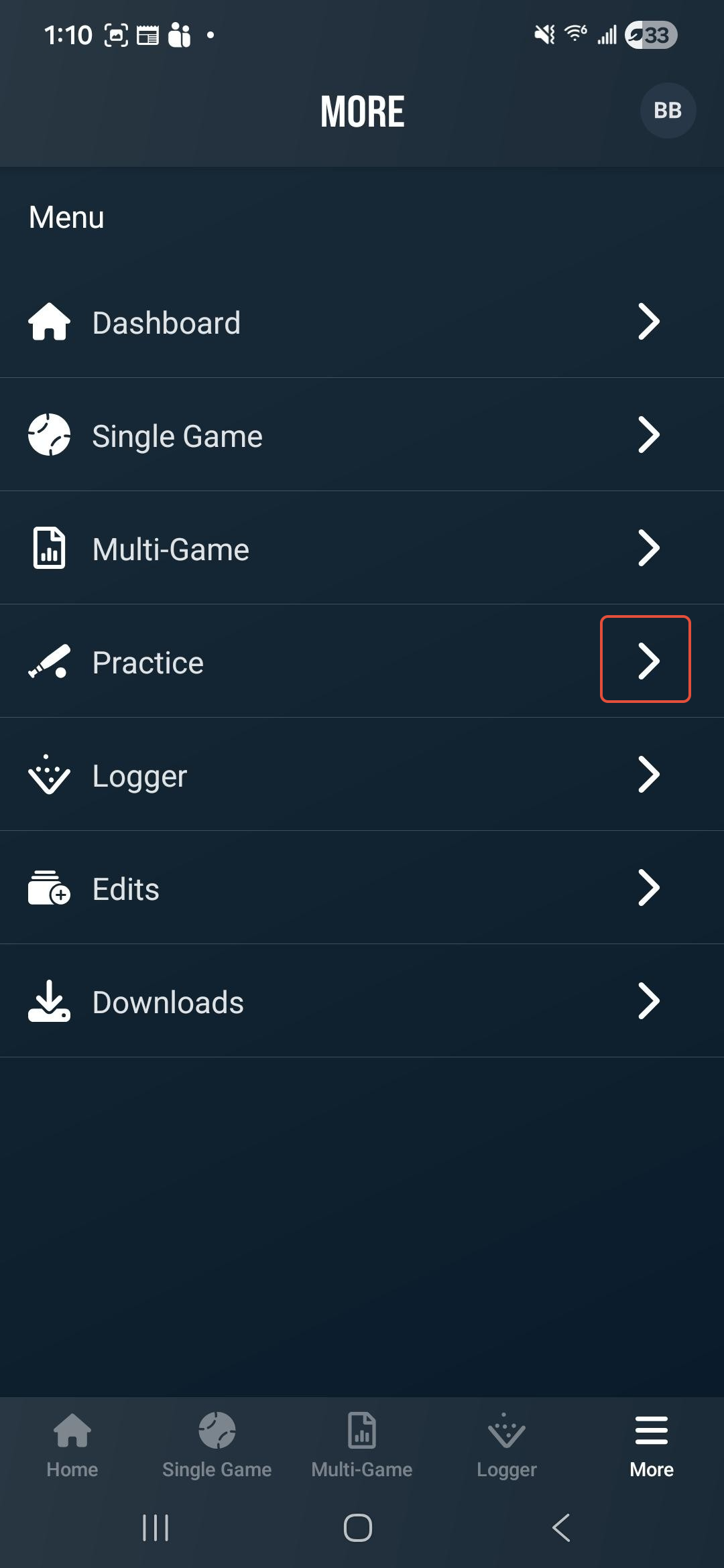
Tap the Practice tile on the Home screen or select More (bottom right), then select Practice from the menu.
A list of your existing practices will display. You can use the Filter button to sort the practices by League, Season, Team, Player, and Practice Type. You can also use the search field to locate sessions by team or player.
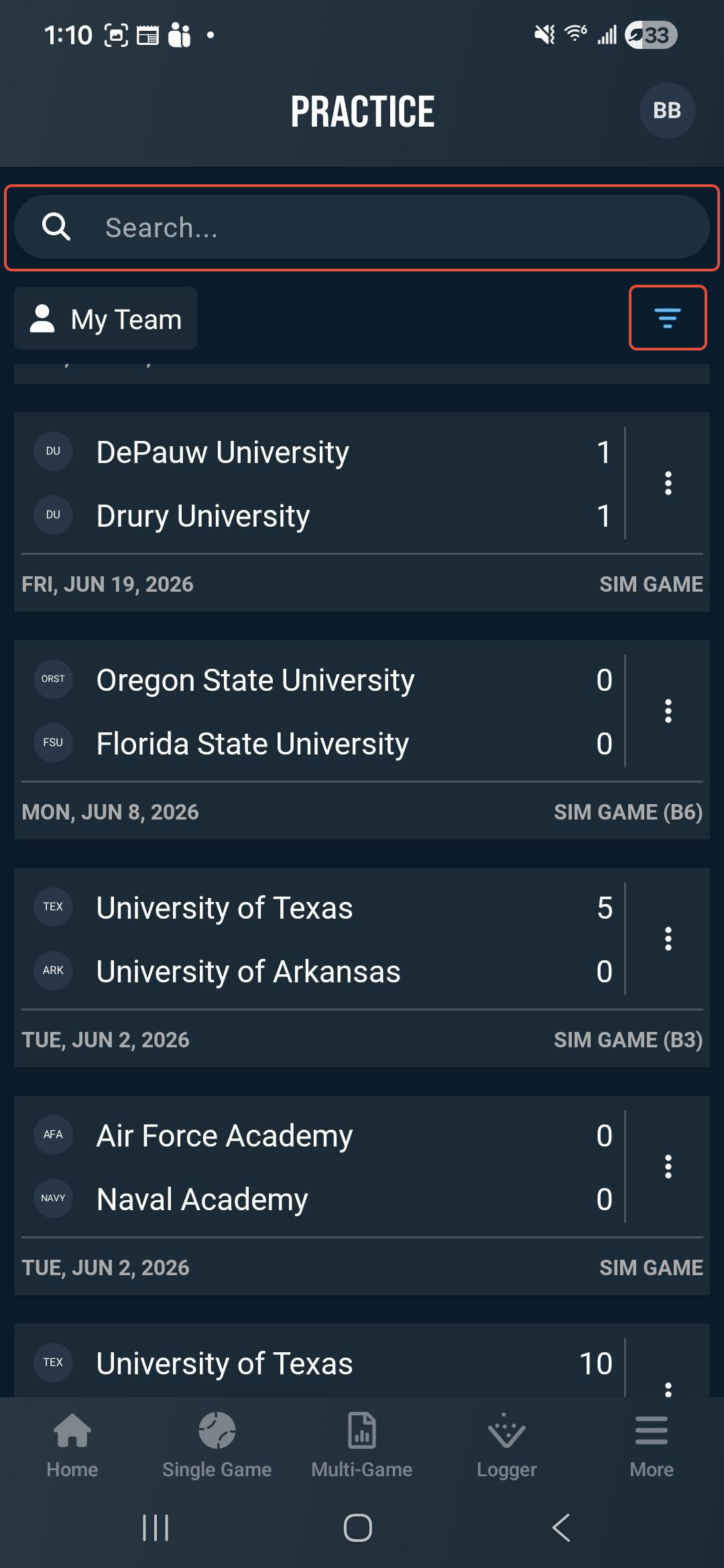
Practice Types include Sim Game, Batting Practice, Bullpen, and Training/Workout. Tap any session to review the practice data and associated video.
Within a practice you can:
- Play all video clips from a practice
- Open an individual practice session
- Review logged data and associated video
- For Batting Practice sessions, filter by hitter group or individual player
- Return to the practice list without leaving Practice view
Was this article helpful?
That’s Great!
Thank you for your feedback
Sorry! We couldn't be helpful
Thank you for your feedback
Feedback sent
We appreciate your effort and will try to fix the article